How to declutter digital files is a question many people search when their laptops slow down, cloud storage fills up, and important documents disappear into messy folders. In today’s fast-paced digital world, managing your virtual space is just as important as organizing your physical environment. A clean digital system improves productivity, reduces stress, and protects valuable data from being lost or forgotten.
Digital clutter builds quietly. Screenshots pile up. Duplicate downloads hide in random folders. Old projects sit untouched for years. Before you know it, your device feels chaotic. Learning how to declutter digital files is not about deleting everything. It’s about building a simple, sustainable system that supports your daily workflow.
Why Digital Clutter Is a Serious Productivity Killer
Digital disorganization drains mental energy. Every time you search for a file and cannot find it instantly, your focus breaks. Small interruptions accumulate throughout the day and reduce efficiency.
A cluttered desktop or overloaded cloud storage also slows down devices. Large amounts of unused data can affect system performance and backup speed. More importantly, poor file management increases the risk of losing critical documents.
When you understand how to declutter digital files properly, you create clarity not only on your screen but also in your mind. Organized data leads to faster decision-making and smoother work sessions.

How to Declutter Digital Files Without Feeling Overwhelmed
The biggest mistake people make is trying to clean everything at once. That approach leads to frustration. Instead, start with one device or one folder at a time.
Begin by reviewing your main storage areas. Check your Downloads folder, Desktop, Documents, and cloud platforms like Google Drive or Dropbox. These are the most common clutter zones. Sort files by date to identify old and unnecessary content.
Create a simple folder structure that reflects your life or business. For example, separate folders for personal, work, finance, and media can immediately reduce confusion. Inside each, keep subfolders minimal and clearly labeled.
Deleting duplicates is another major step. Many devices allow you to search by file type or size. Remove extra copies of photos, PDFs, and presentations. This alone can free up significant storage space.
Understanding how to declutter digital files also means being honest about what you truly need. If a document has not been opened in years and has no legal or emotional value, it may be safe to remove.
Build a Smart Folder System That Lasts
A clean digital environment requires structure. Random folder names like “New Folder 1” or “Misc Stuff” create long-term chaos. Instead, use clear and consistent naming conventions.
Choose names that describe the content directly. Add dates in a standard format such as YYYY-MM-DD for better sorting. Consistency is more important than complexity.
Avoid deep nesting with too many subfolders. If you need more than three levels to reach a file, your system might be too complicated. Simplicity improves accessibility.
When learning how to declutter digital files, remember that maintenance is as important as the initial cleanup. Spend five minutes at the end of each week organizing new downloads and renaming files properly.

Clean Up Your Email Inbox the Right Way
Email is one of the biggest sources of digital clutter. Thousands of unread messages can feel overwhelming. Start by searching for promotional emails and unsubscribe from newsletters you no longer read.
Use folders or labels to categorize essential emails such as bills, client communication, or personal matters. Archive old conversations instead of keeping everything in your primary inbox.
Delete spam and empty your trash folder permanently. This reduces storage use and keeps your inbox responsive.
If you truly want to master how to declutter digital files, your email management must be part of the process. A clean inbox improves mental clarity and reduces distraction.
Organizing Photos and Media Files Efficiently
Photos consume massive storage space. Many people have thousands of images scattered across devices. Start by backing up everything to a secure location.
Next, remove blurry shots, duplicates, and unnecessary screenshots. Group photos by year or event for easier access.
Rename important images with meaningful titles rather than leaving them as random numeric codes. This simple step saves time when searching later.
Video files should also be reviewed carefully. Large outdated recordings can silently fill up your storage. Keeping only meaningful or professional content ensures efficiency.
Manage Cloud Storage Like a Professional
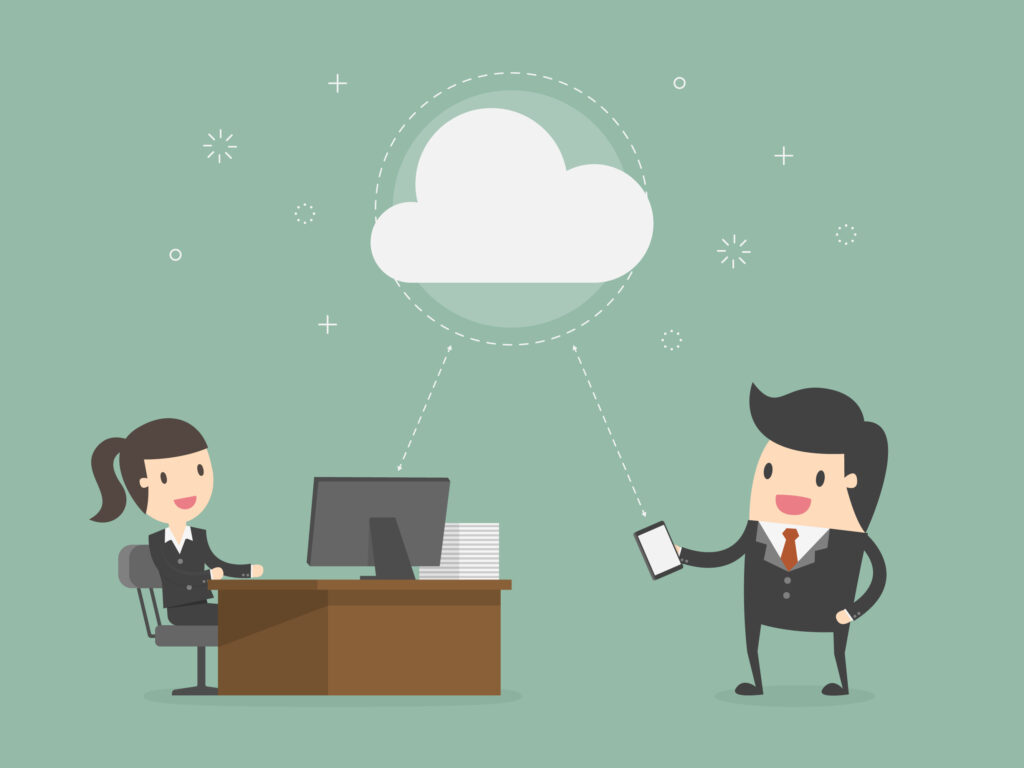
Cloud platforms are convenient, but they can become just as messy as physical drives. Review shared folders and remove files you no longer need.
Check for outdated backups or duplicate uploads. Many people unknowingly store the same file in multiple locations.
Sync settings should also be reviewed. Automatic syncing of every folder may not be necessary. Selective sync can help maintain organization and reduce clutter.
Mastering how to declutter digital files across both local and cloud storage ensures a fully optimized system rather than a temporary fix.
Secure and Back Up Important Data
Decluttering does not mean deleting carelessly. Before removing large amounts of content, create a secure backup.
Use an external hard drive or trusted cloud backup service. Once your data is protected, you can confidently clean up without fear of permanent loss.
Security is part of digital organization. Remove outdated software installers and suspicious files. Keep antivirus programs updated to protect your streamlined system.
A well-organized device combined with strong backup habits creates long-term digital stability.
Create a Maintenance Routine for Long-Term Success
Digital organization is not a one-time task. Without regular maintenance, clutter will return quickly.
Schedule a monthly digital cleanup session. Review new downloads, delete temporary files, and organize fresh content.
Limit the habit of saving unnecessary screenshots or downloading random files. Be intentional about what you keep.
Understanding how to declutter digital files becomes easier when you shift your mindset from reactive cleaning to proactive management.

The Psychological Benefits of a Clean Digital Space
A tidy digital environment reduces stress. Visual clutter on a screen can subconsciously increase anxiety. When everything has a clear place, your brain feels more in control.
Professionals who maintain organized devices often experience improved focus and faster workflow. Students benefit from structured academic folders. Entrepreneurs manage projects more efficiently.
Digital clarity supports overall productivity and mental well-being. The effort invested in learning how to declutter digital files pays off in daily performance.
Conclusion: Take Control of Your Digital Life Today
Digital clutter accumulates silently, but its impact is powerful. Slow devices, wasted time, and mental overload are common consequences of poor organization. The good news is that change begins with small, intentional steps.
By creating a simple folder system, removing duplicates, organizing email, managing cloud storage, and maintaining regular cleanup routines, you build a sustainable structure that supports your goals.
Learning how to declutter digital files is not just about storage space. It is about reclaiming control over your digital environment and transforming it into a system that works for you instead of against you.
Start today with one folder. Then another. Within days, you will notice greater clarity, faster access to information, and a calmer digital experience.

Frequently Asked Questions
How often should I clean my digital files?
A monthly review works well for most people. However, if you regularly download large files or manage business documents daily, a short weekly cleanup keeps clutter from building up again.
Will deleting unnecessary files improve computer performance?
Yes. Removing unused files frees up storage space, which can help your system run more smoothly, especially if your device is close to full capacity.
Is cloud storage better than local storage for organization?
Both serve different purposes. Cloud storage offers accessibility and automatic syncing, while local storage gives you direct control. Using both together creates a balanced and secure digital setup.
What is the easiest place to start when organizing digital data?
Start with your Downloads folder. It’s usually the most cluttered area and cleaning it first gives you quick, visible progress that motivates you to continue.
Can digital organization really improve productivity?
Absolutely. When files are easy to find and clearly labeled, you save time, reduce stress, and maintain better focus throughout your workday.
Also Read: 0970 What Network – The Ultimate Guide to Identifying This Mysterious Prefix Instantly